FolioGreen is built to turn the plants you care for at your clients’ sites into one portfolio: every client, site, display and plant asset, each care visit recorded display by display, and a Plant Care Report your client keeps.
At specIllustration · invented client · sample data
Client · Site · Display · Plant asset
One portfolio, from the client down to the plant.
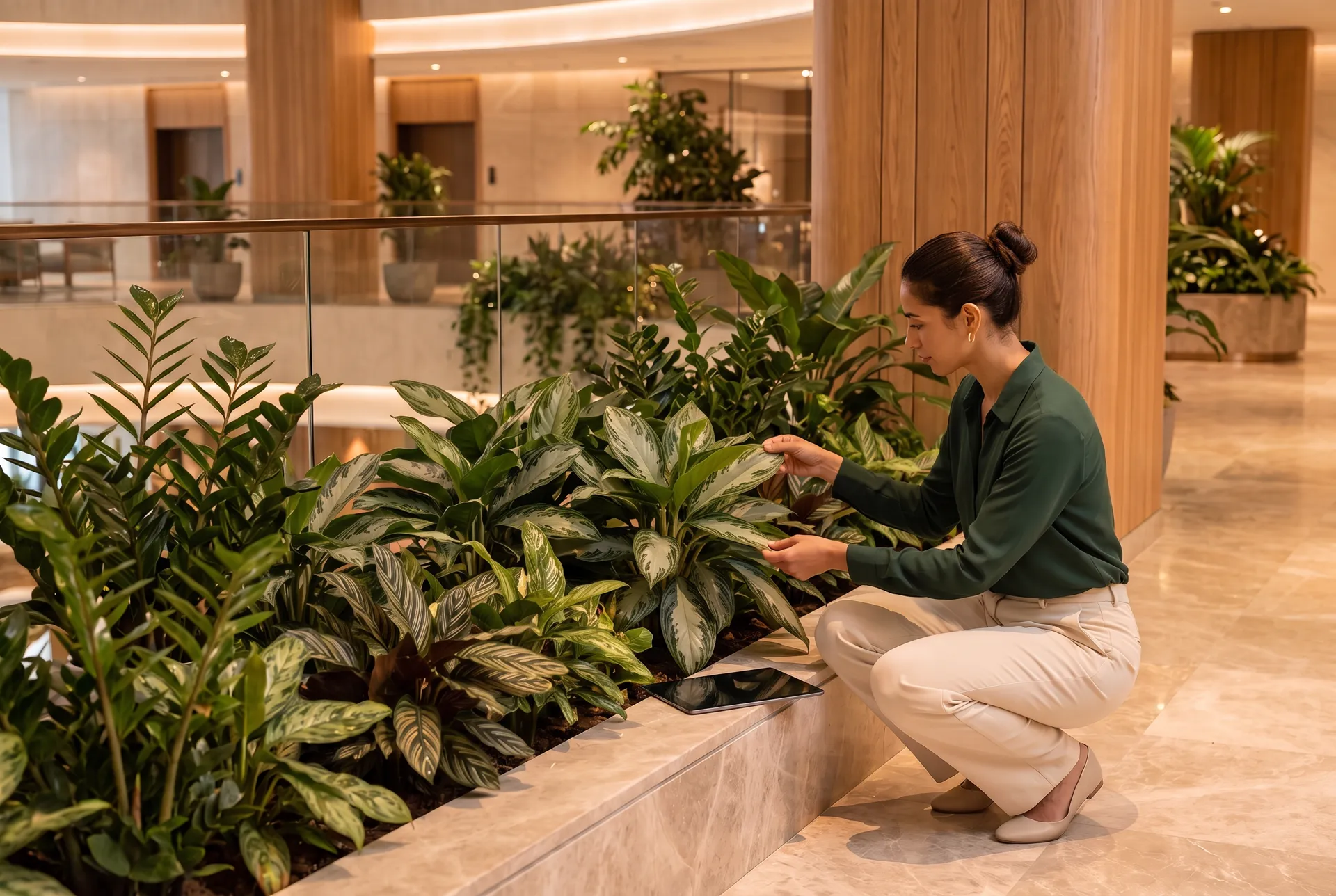
Each client you serve holds its sites. Each site holds its displays: the lobby planter, the reception green wall, the breakout area. Each display holds its plant assets. Open any level and its whole care history is there.
Client
An office groupSample client · 3 sites
Sites
Riverside offices
Harbour hotel
Station Road retail
Displays
Lobby planter
Reception green wall
Level 3 breakout
Plant assets
Dracaena
Peace lily × 3
Golden pothos × 4
Illustration · invented client · sample data
What a plant asset carries
Species, pot size, light need, watering interval, when it was last serviced, its current photo and its full history. Containers and supports are tracked the same way.
Planter · Pot · Hanging basket · Trough · Wall-mounted · Raised bed
Support
Plant stand · Trellis · Irrigation controller · Grow light
Spec vs actual
What the client contracted for, against what is in the display.
Give each display its specification: this display should hold 12 tropicals and 8 succulents. FolioGreen is built to show where every display stands against it and flag the gap, so a missing plant is planned for before your client spots it.
The technician starts the visit and works through the site one display at a time. Everything they do becomes a structured entry against the display or plant it touched, with a photo where it matters.
01Start Care VisitOpen the site and the visit begins: its displays in order, each plant’s history a tap away.
02Log Plant HealthScore a plant’s condition and say what’s wrong. When a plant is struggling, a photo goes with the entry.
03Record Watering / Care ActionWatering with a soil moisture reading, pruning, cleaning, topdressing: each logged against its display.
04Schedule Rotation · Log ReplacementSend a plant to recovery or swap it out, with the reason recorded against the plant itself.
05Complete the visitClose the visit and its record is ready for the Plant Care Report.
Care visitRiverside offices · Tuesday
Lobby planter
Reception green wall
Level 3 breakout
Log Plant HealthRecord Watering / Care ActionSchedule RotationLog Replacement
EnvironmentLight, temperature, humidity, air quality
Client CommunicationRequests, feedback and recommendations, with a follow-up flag
IncidentPests, water damage, vandalism, failures, with severity
Health scores
The health of the whole portfolio, at a glance.
Each plant carries a health score from its care visits. Together they make the spread across every site: which displays are thriving and which need attention before the client notices. A photo timeline shows how each plant is doing visit after visit.
Health rolls up from plant to display, site and portfolio.
Struggling plants surface before the walkthrough, with their photos.
Rotation and replacement decisions rest on what your team saw.
Portfolio health · all sites
62%Thriving
24%Healthy
10%Needs attention
4%Critical
Sample portfolio · invented data. FolioGreen’s scoring scale is still being finalized.
Rotations, replacements and color programs
Every move a plant makes, recorded against it.
Plants go to recovery and come back, get replaced when they decline, and change with the seasons. FolioGreen records each move against the plant and the display: from where, to where, why, and when it’s due back.
Recovery rotationLobby planter → holding greenhouse · due back in 4 weeks
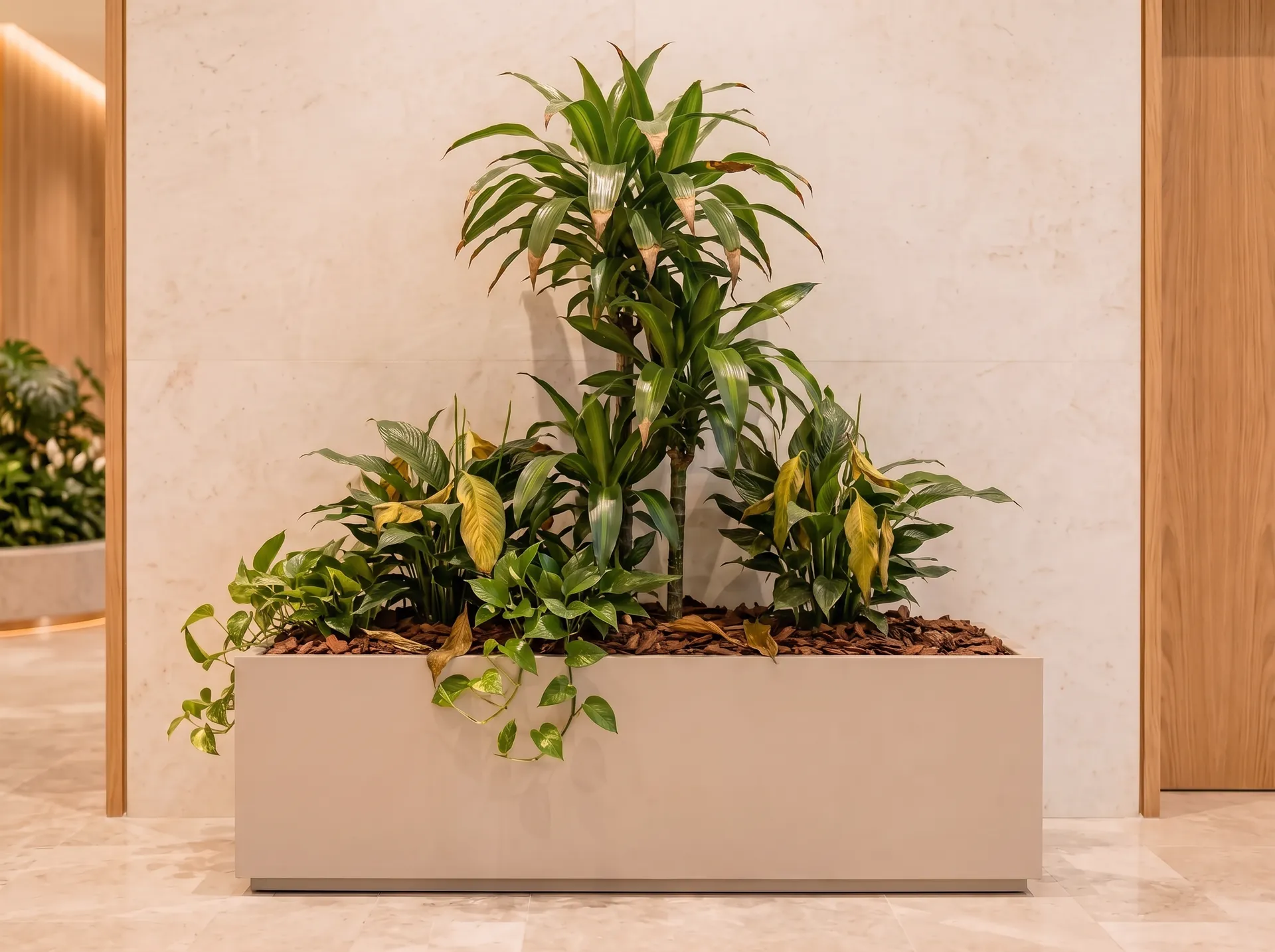
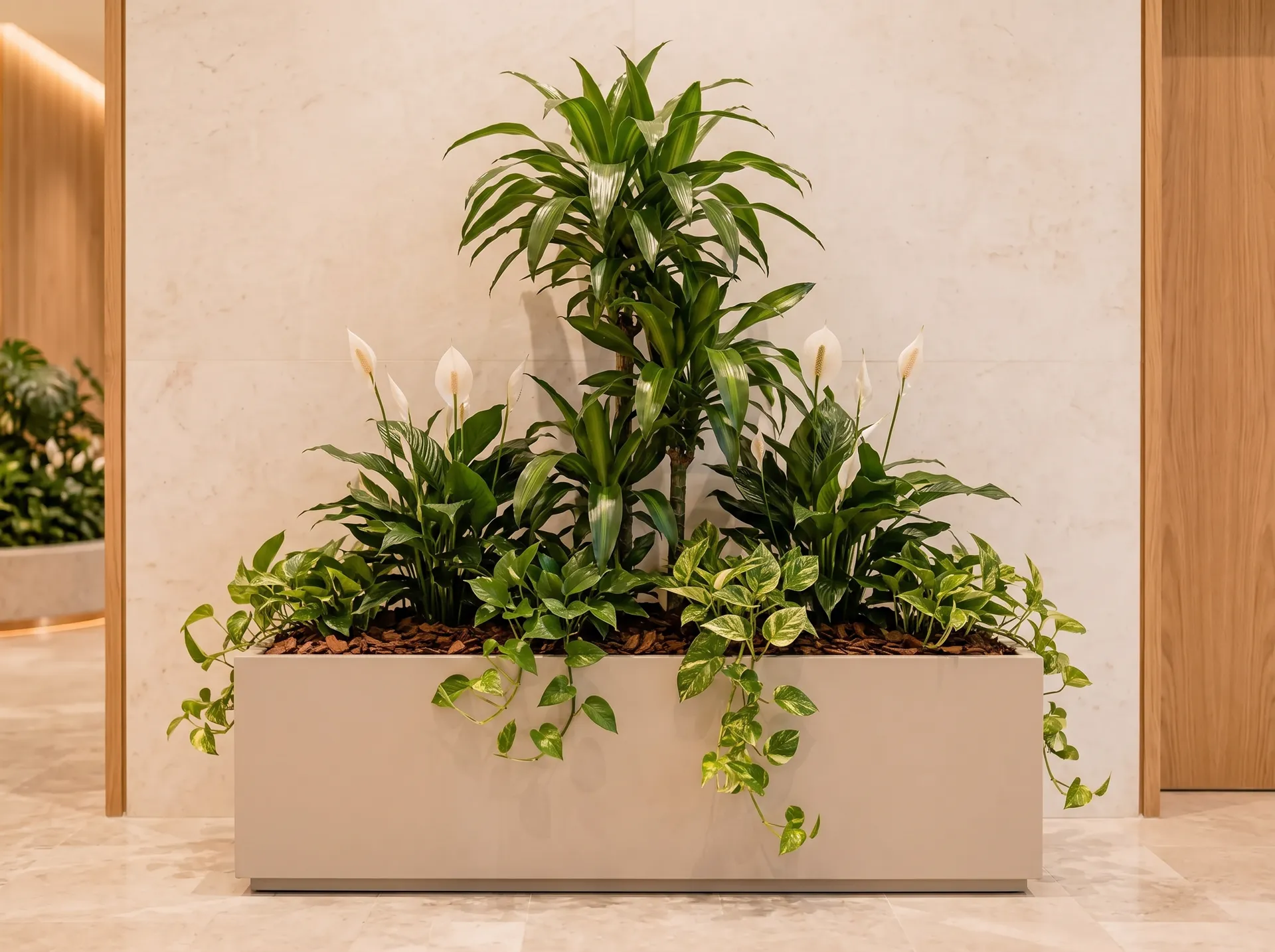
Decline replacementA healthy peace lily placed in its spot · Reason: decline
Back at specLobby planter: 3 of 3 flowering plants
Illustration · invented client · sample data
Seasonal color programs, display by display
Plan the flowering plants that go into each display for the season, when they go in and when they come out. Each swap is logged as a color-program rotation, so the client sees what was placed and the next season starts from the record.
Spring
Summer
Autumn
Winter
Green walls
A green wall, section by section.
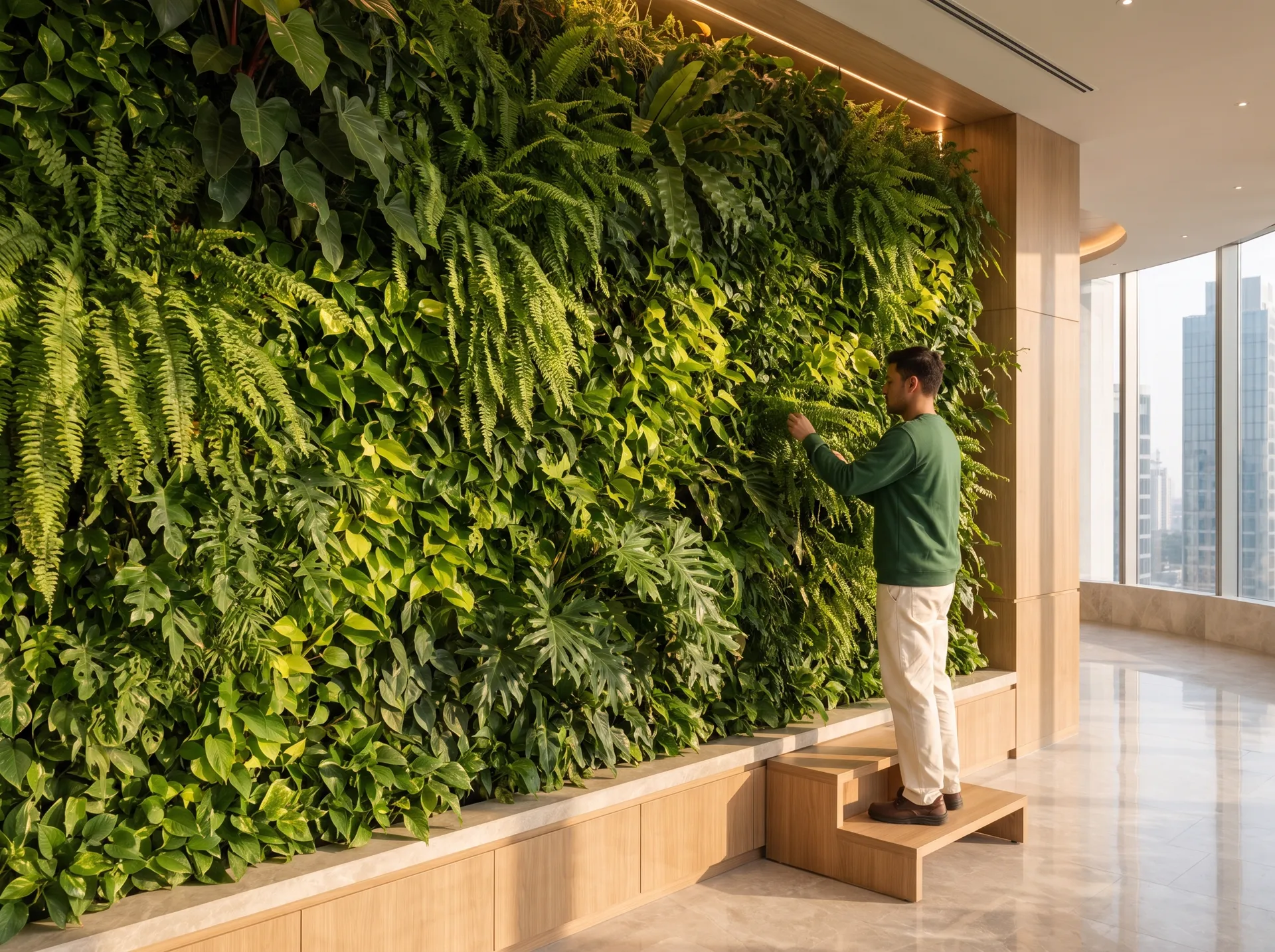
Record a living wall as a display of its own, or one display per section for a large wall, so condition, watering and replacements are logged where they happened rather than against the wall as a whole.
Reception green wallAt spec
ABCDEF1234
Section B3 · Plant HealthBrowning fronds on the ferns · photo attached
Whole wall · WateringIrrigation check · flow normal
Illustration · invented client · sample data
The Plant Care Report
The report that wins the renewal.
FolioGreen is built to draw the care visits into a Plant Care Report for your client: a KPI card, a summary drafted for you to edit, health and condition, inventory changes, before-and-after photos and your recommendations. Nothing reaches the client until you send it.
Plant Care Report
Riverside offices · OctoberPrepared for the client’s facilities team
4Care Visits
186Plants Managed
Avg Health Score
7Replacements
6Rotations
97%Portfolio at Spec
Executive summaryEdited by you
All four care visits were completed this month and the portfolio is in good health. Six ferns in section B3 of the reception green wall were replaced after browning, and a declining peace lily in the lobby planter went to recovery, with a healthy one placed in its spot. The lobby planter is back at specification.
Health & condition
Inventory changes
Incidents & alerts
Financial summary
Recommendations
Visit log
Photo documentation
BeforeAfter
Lobby planter · before and after
On request, at will or on a scheduleSend to clientSent to client · Nov 2
From your plantscaping company
Your Plant Care Report
Riverside offices · October
Open the report
Illustration · invented client · sample data
Send it as a PDF by email or a web link, the moment your client asks or any time you like.
Schedule it to go out every month or quarter (The Operation and up).
Compare one period with the last (The Operation and up).
Not yet — FolioGreen hasn’t launched, so this page describes what it is being built to do. The scenes are worked examples with an invented client and sample data, not screenshots.
Does FolioGreen identify plants from a photo?
No. It isn’t a plant identification app. Your team knows the plants; FolioGreen keeps the record of each one: where it is, how it’s doing and everything done to it.
What is a display?
A defined planting area inside a client’s site: a lobby planter, a reception green wall, a breakout area. Each display holds its plant assets and its own care history.
How are health scores worked out?
The technician scores a plant’s condition during the care visit. The scale and its labels are being finalized before launch, so the numbers on this page are samples.
Who sees the Plant Care Report?
You do first. FolioGreen drafts it from the visit record, you edit it, and it goes to your client only when you send it.
Founding access
Put every plant you look after on record.
FolioGreen is launching soon. Request founding access for launch updates as the plant portfolio is built: a full name and a work email, confirmed by email before anything is sent.
Launching with a 14-day free trial. No card needed.